English
Daisy chaining refers to connecting multiple monitors in sequence through a single cable path. The video signal flows from the computer to the first monitor and is then passed from one monitor to the next, allowing multiple displays to be driven from a single output.
Currently, daisy chaining is supported via DisplayPort (DP) and USB-C cables that support DisplayPort Alt Mode. To enable this setup, each monitor typically includes two ports:
Input port (DisplayPort In or USB-C In) – receives the video signal from the computer
Output port (DisplayPort Out or Thunderbolt Out) – forwards the signal to the next monitor in the chain
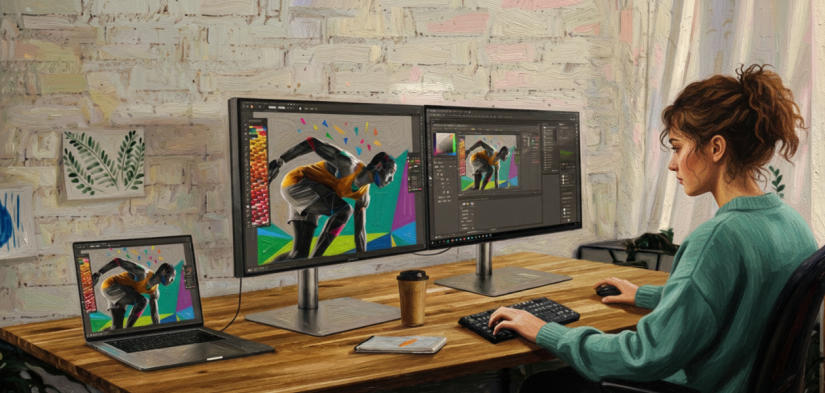
Daisy chaining relies on technologies such as DisplayPort Multi-Stream Transport (MST) and Thunderbolt, and is supported by DisplayPort MST 1.2/1.4 as well as Thunderbolt 3 and 4. With this technology, a single computer port can drive multiple monitors, supporting both extended and mirrored display configurations.
When using DisplayPort daisy chaining, you can connect up to four monitors on a desktop or three external monitors on a laptop, with the laptop’s built-in screen acting as the fourth display. The overall performance and stability depend on the capabilities of the computer’s graphics card (GPU), as the video signal bandwidth is shared across all connected displays.
High-resolution monitors require substantial bandwidth. For example, a single 4K monitor at 60Hz can nearly consume the full bandwidth of a DisplayPort connection. When multiple high-resolution displays are daisy-chained, the available bandwidth is divided among them, which may reduce the maximum resolution or refresh rate of each monitor.
If achieving the highest display performance is your priority or you’re using your monitors as docking stations for peripherals like hard drives or USB hubs, opt for High Data Speed mode. This mode lowers the refresh rate of secondary monitors to free up bandwidth, improving overall display performance and responsiveness.
However, the secondary monitor's resolution and refresh rate will be limited, for example, to 2K (2560×1440) resolution at 25Hz. While this might seem low at first glance, it is functional (consider that the framerate for most movies is 24 frames per second). If you wish to achieve a higher refresh rate, you can lower the monitors’resolution, for instance, to FHD (1920×1080).
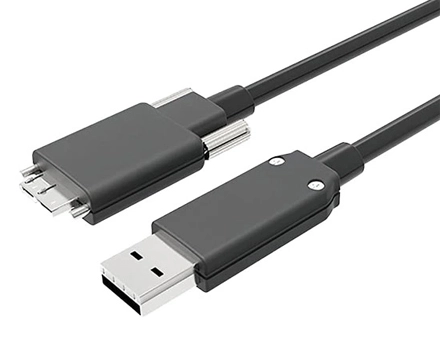
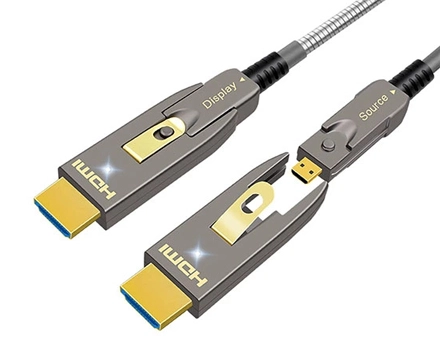
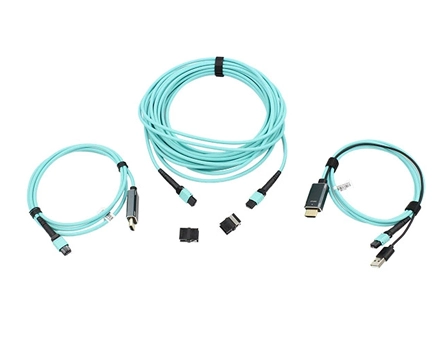
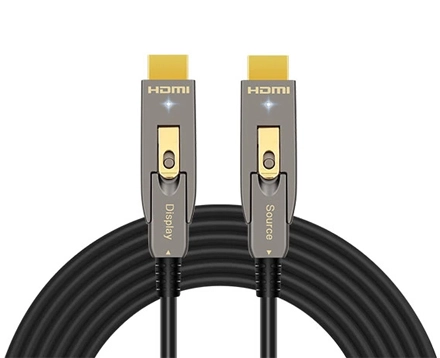
At AOCFiberlink, we specialize in manufacturing high-quality optical cable USB & HDMI AOC & DisplayPort AOC that cater to the demands of modern audiovisual systems. Our optical cable USB & HDMI AOC & DP cables are designed to deliver uncompromising performance, ensuring that you enjoy the true potential of your high-definition devices.
Besides the standard fiber optic HDMI Cables & fiber optical USB Cables, we also provide custom solutions such as custom HDMI cables for customer specific needs.Please don’t hesitate to contact us.
Copyright © Shenzhen Fiberlink Tech Co., Ltd. All Rights Reserved. Trusted Partners:https://www.aocfiberlink.com/