English
We live in an era of interactivity. From ordering a coffee at a digital kiosk to teaching a class on an interactive 4K whiteboard, the user experience depends entirely on one thing: Responsiveness.
For system integrators designing these setups, there is a physical disconnect. The "brain" (the Industrial PC or OPS module) is often located securely in a base cabinet or a teacher's desk, while the "face" (the Touchscreen or Camera) is meters away.
Bridging this gap with cheap copper USB repeaters is a recipe for disaster—laggy touch responses, device disconnections, and frustrated users.
The industry standard for reliable, long-distance interactivity is the USB 3.0 AM to AF Fiber Active Optical Extension Cable.
In Kiosk and Education integration, standard USB cabling faces two major enemies:
Distance Limits: USB 3.0 copper cables are reliable only up to 3 meters. Beyond that, voltage drops causing peripherals to malfunction.
Latency & Jitter: Interactive screens require constant, bidirectional data flow. Poor signal quality leads to "input lag" or "ghost touches," ruining the user experience.
At 8khdmiaoc.com, our USB 3.0 AOC is engineered to solve the specific spacing problems of commercial integration.
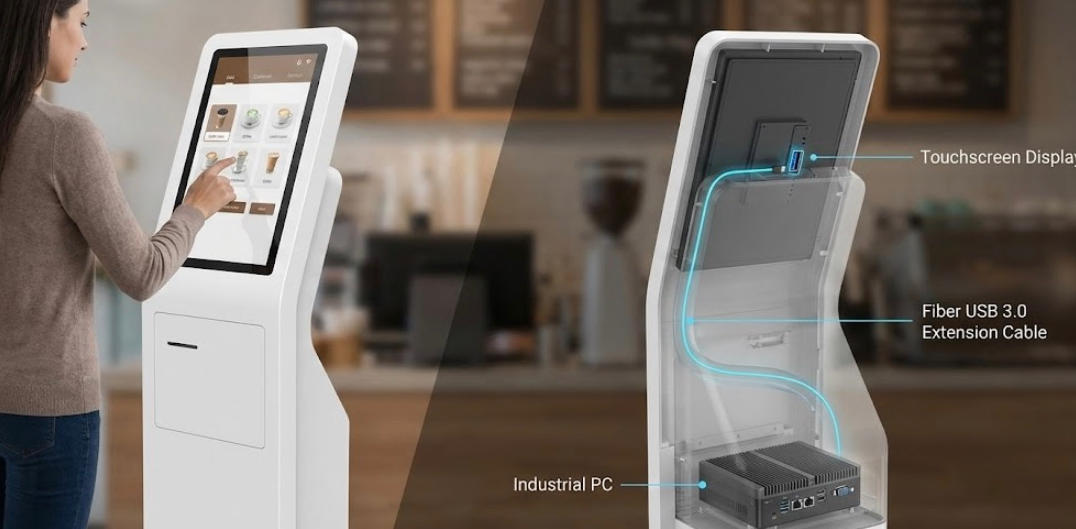
Inside a slim self-service kiosk, space is at a premium. Bulky copper cables with ferrite cores are hard to route.
Flexible Routing: Our Fiber AOC is thin and flexible, easily snaking through the tight internal channels of a kiosk stand to connect the bottom PC to the top screen.
Power Stability: The Female (AF) end features an optional auxiliary power input, ensuring power-hungry touch panels or card readers get the stable 5V they need to operate 24/7.
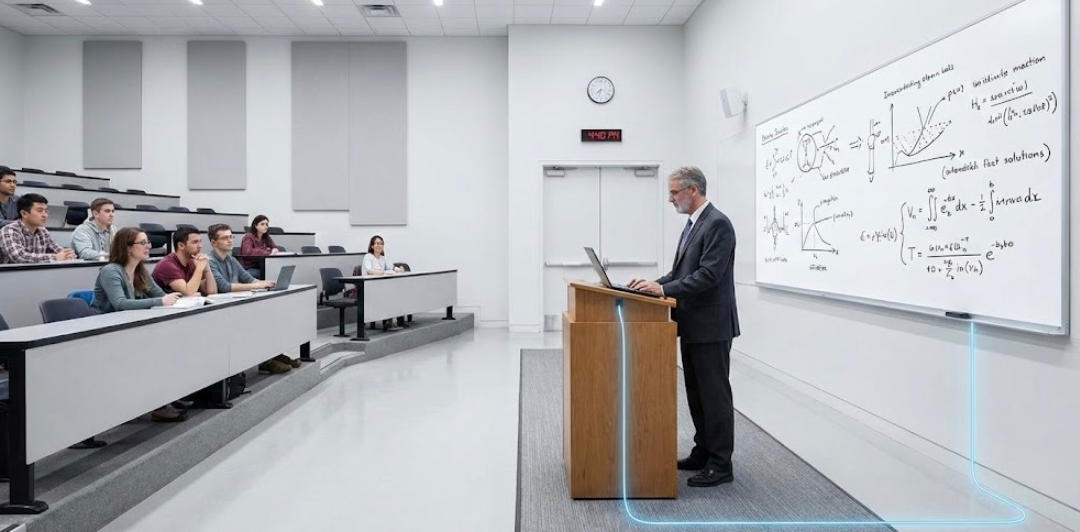
Connecting a teacher's laptop on a podium to a wall-mounted Interactive Flat Panel (IFP) usually requires a 10m-20m run through floor conduits.
Plug-and-Play: Our AM-to-AF design allows the cable to act as a permanent "extension cord." The teacher simply plugs their short USB cable into our Female hub on the desktop, and the signal travels instantly to the screen.
Zero Interference: Classrooms are full of interference (Wi-Fi, lights). Fiber optics ensure the touch signal remains pure and precise.
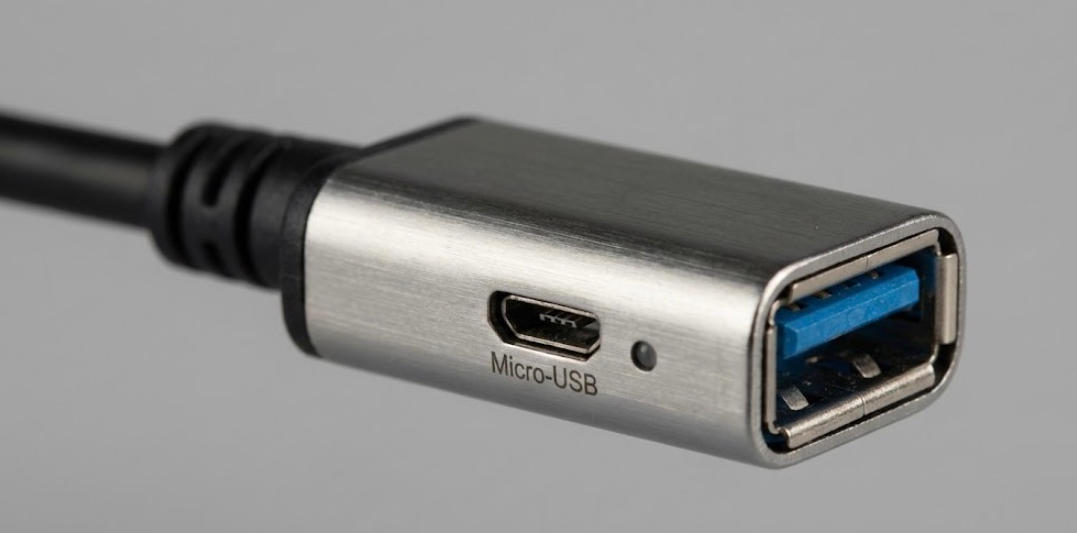
The AM (Male) to AF (Female) configuration offers maximum versatility:
Port Relocation: It effectively moves the PC's USB port to a more accessible location.
Device Protection: By plugging peripherals into the extension cable rather than the PC directly, you protect the expensive motherboard ports from wear and tear during frequent swapping.
In the world of self-service and education, if the screen doesn't respond instantly, the system is "broken" in the eyes of the user.
Don't risk your deployment with consumer-grade cables. Use Fiber USB 3.0 Active Extension Cables to ensure that every touch, swipe, and click is registered instantly, even at 30 meters away.
[Product Spotlight]
Featured Product: USB 3.0 AM to AF Active Optical Extension Cable
· Bandwidth: 5Gbps (USB 3.0 SuperSpeed).
· Connector: Type-A Male to Type-A Female.
· Power: Low power consumption + Aux power injection port on Female end.
· Length: 5m - 50m (Customizable).
Build Better Kiosks & Classrooms.
Copyright © Shenzhen Fiberlink Tech Co., Ltd. All Rights Reserved. Trusted Partners:https://www.aocfiberlink.com/