English
USB-C to HDMI refers to connecting a device with a USB-C port (such as a laptop, smartphone, or tablet) to a monitor or TV with an HDMI input. This connection allows audio and video signals to be transmitted from the USB-C device to the monitor equipped with an HDMI interface.Using a USB-C to HDMI cable or adapter allows devices with USB-C ports to be easily connected to HDMI displays, supporting high-quality audio and video output for presentations, gaming, or streaming.
The USB-C port can directly transmit video signals without requiring additional processing hardware.
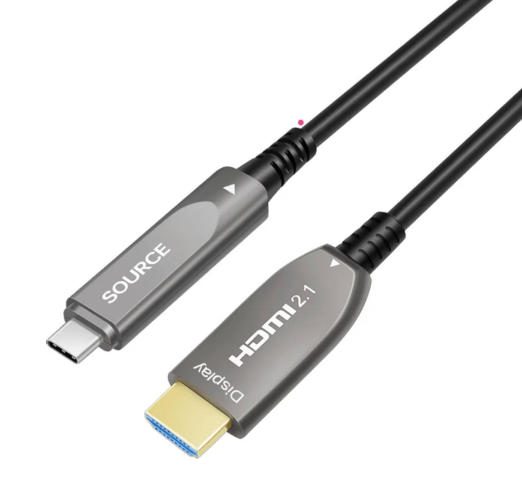
One end of the cable has a USB-C interface, and the other end has an HDMI interface. You can plug one end directly into a laptop or tablet and the other end directly into a monitor. No additional connectors are needed in between.
The HDMI Alt mode of the USB-C connector allows HDMI-enabled source devices to connect directly to HDMI-enabled displays using the USB-C connector, transmitting HDMI signals and functions through a simple cable without the need for protocol and connector adapters or converters.
· Resolutions up to 4K
· Surround sound
· Audio Return Channel (ARC)
· 3D (4K and HD)
· HDMI Ethernet Channel (HEC)
· Consumer Electronic Control (CEC)
· Deep Color, x.v.Color, and content types
· High Bandwidth Digital Content Protection (HDCP 1.4 and HDCP 2.2)
Multi-device compatibility:
A single USB-C port is compatible with a wide range of devices. Whether it's a smartphone, tablet, or laptop, the USB-C to HDMI connection handles it all with ease. Connect to TVs, monitors, or projectors without special equipment.
High-Quality Video and Audio:
The USB-C port efficiently handles both video and audio. With a USB-C to HDMI adapter, you can enjoy both crystal-clear images and pristine sound. No separate audio cables or external devices are needed. Whether you're watching a movie or giving a presentation, you'll experience consistently excellent results.
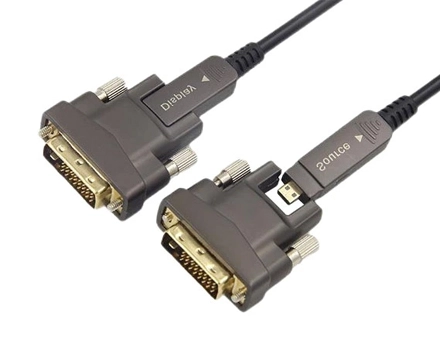
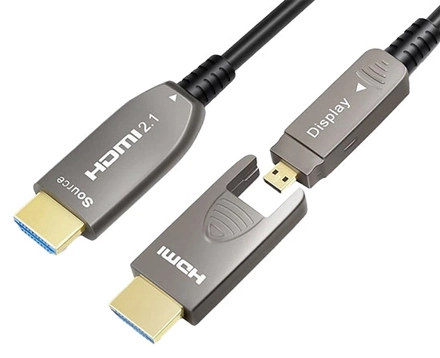
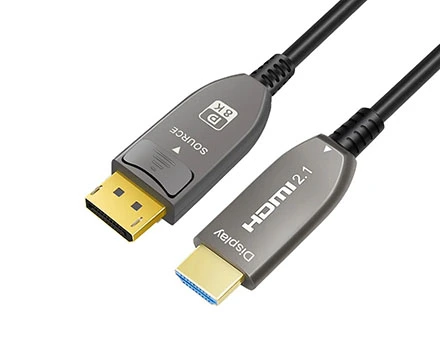
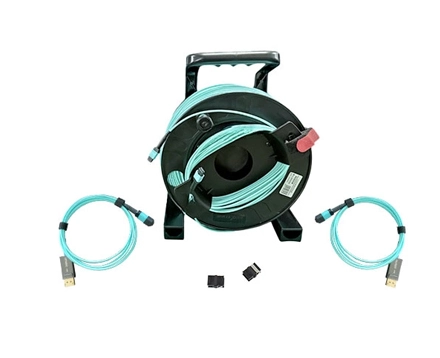
8KHDMIAOC specializes in manufacturing high-quality fiber optic USB and HDMI cables to meet the demands of modern audiovisual systems. Our fiber optic USB and HDMI cables are designed to deliver superior performance, ensuring you get the most out of your high-definition devices.
This USBC to HDMI cable is a dedicated cable that transmits high-definition 4K/60Hz video and audio signals from a USB-C port to an HDMI monitor. This USB-C to HDMI Active Fiber Optic Cable (AOC) allows your USB-C devices (such as MacBook, iPad Pro, Dell XPS 15, or any USB-C compatible phone) to connect directly to an HDMI monitor, projector, or TV for convenience and speed. No drivers are required for easy setup and use.
This cable is made of active optical fiber, offering excellent resistance to electromagnetic interference, ensuring a safe and radiation-free environment, and supports transmission up to 60 meters. It is 30% lighter than traditional copper cables and features a compact zinc alloy shell for improved durability and lifespan.
Copyright © Shenzhen Fiberlink Tech Co., Ltd. All Rights Reserved. Trusted Partners:https://www.aocfiberlink.com/