English
HDMI and DisplayPort are the two most common interfaces for transmitting audio and video signals to displays. TVs and consumer media devices—such as Blu-ray players—typically use HDMI exclusively, while computers and monitors often include both HDMI and DisplayPort.
So which connection should you choose for your monitor? This guide breaks down the technical differences and helps you decide.
|
|
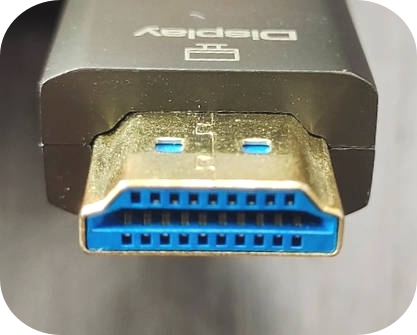
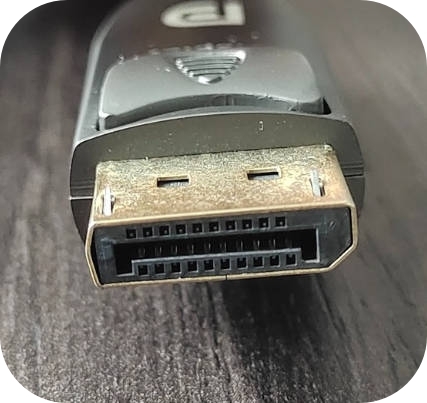
Although HDMI and DisplayPort look similar, there are a few notable distinctions:
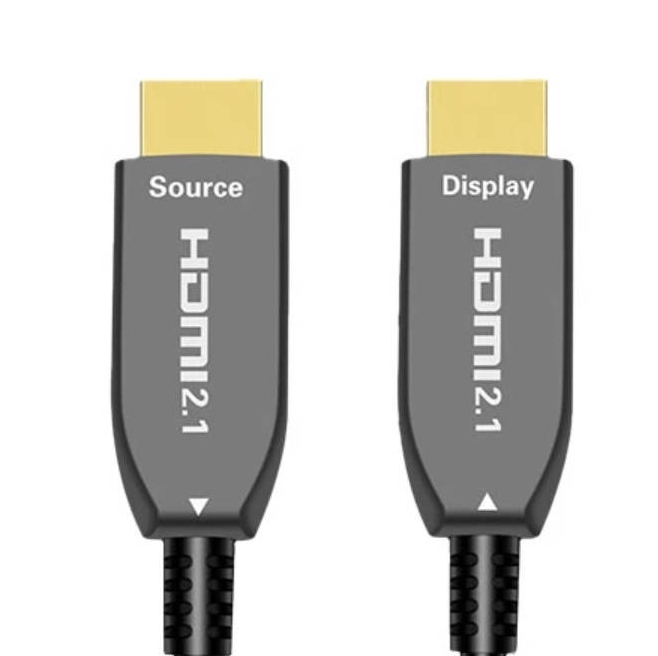
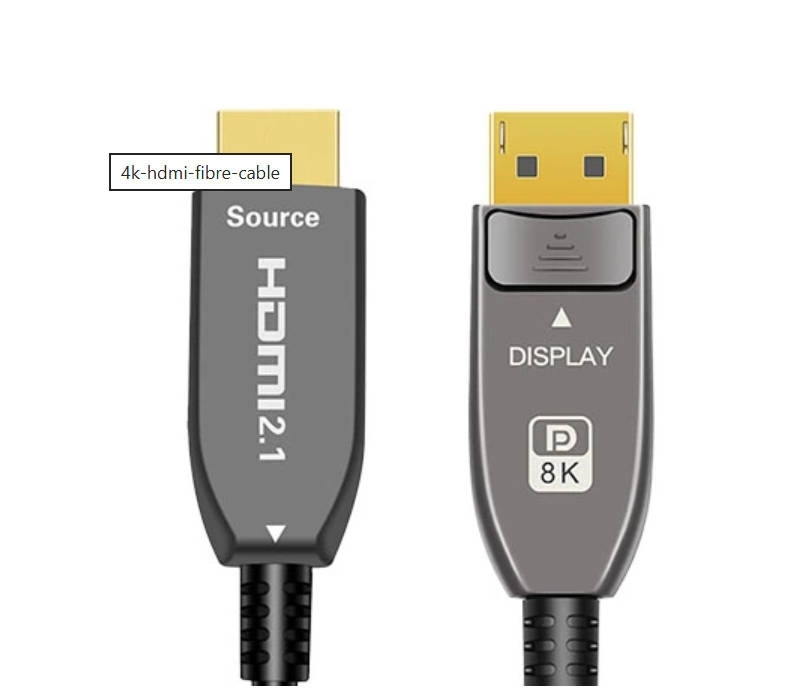
HDMI uses a 19-pin connector.
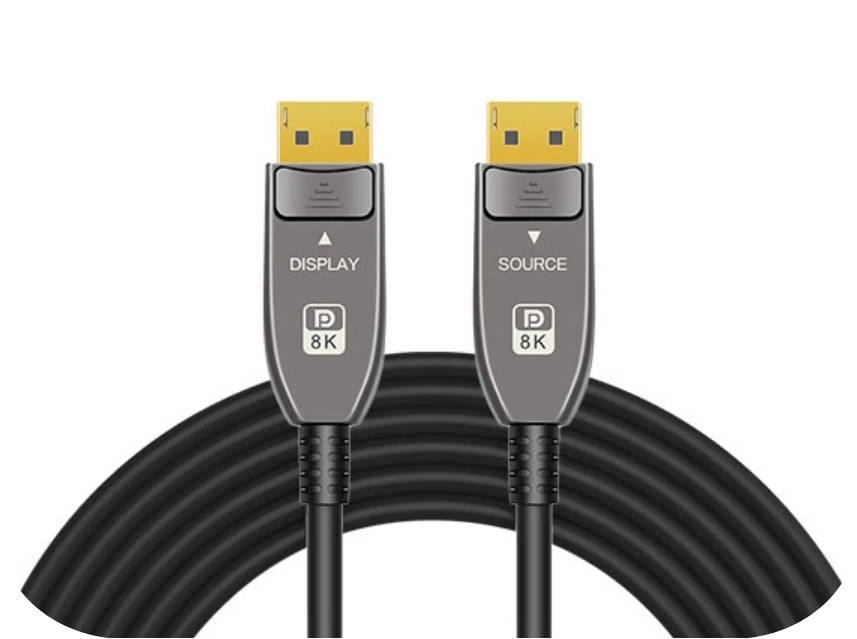
DisplayPort uses 20 pins and most cables feature a locking latch to prevent accidental disconnection—something rarely seen on HDMI cables.
Both interfaces also come in smaller variants, such as Mini HDMI, Micro HDMI, and Mini DisplayPort, though these are far less common on monitors.
Both HDMI and DisplayPort have released different versions throughout the years with various bandwidth limitations and supported formats. Both DisplayPort and HDMI have released slight revisions of their initial releases, so sometimes you may see HDMI 2.0 called HDMI 2.0a, for example. Below, you can see some of the features of more recent HDMI and DisplayPort versions. There are older versions, like HDMI 1.0 through 1.4 and DisplayPort 1.0/1.1, but these aren't common on monitors anymore.
HDMI announced version 2.2 at CES 2025. It offers double the bandwidth as HDMI 2.1, but it will likely take some time before monitors are equipped with it.
Type | HDMI | DisplayPort | ||||
Version | 2.0 | 2.1 | 2.2 | DP 1.2 | DP 1.4 | DP 2.1 |
Release Year | 2013 | 2017 | 2025 | 2010 | 2016 | 2019 |
Max Bandwidth | 18Gbps | 48Gbps | 96Gbps | 21.6Gbps | 32.4Gbps | 80Gbps |
Compression | No | Yes | Yes | No | Yes | Yes |
HDR | Yes | Yes | Yes | Yes | Yes | Yes |
The maximum resolution and refresh rate you can get depend on the specific versions of both your monitor and your source, as it's limited to the lowest common denominator. This means you can have an HDMI 2.1 monitor, but if your graphics card only supports HDMI 2.0 bandwidth, your signal is limited to HDMI 2.0 bandwidth. Conversely, if you're using an HDMI 2.0 monitor with an HDMI 2.1 source, the bandwidth is still limited to HDMI 2.0 bandwidth. Essentially, the max resolution and refresh rate depend on the lowest bandwidth available from both your source and monitor
Below, you can see the max refresh rate with common resolutions using uncompressed 8-bit and 10-bit signals with chroma 4:4:4. You can use Display Stream Compression (DSC) to reach higher refresh rates as long as your graphics card supports it, which most do. Although DSC is advertised as visually lossless, it can still create some artifacts or prevent certain features from working, like DSR/DLDSR.
Resolution | Color Depth | HDMI 2.0 | HDMI 2.1 | HDMI 2.2 | DP 1.2 | DP 1.4 | DP 2.1 |
1920x1080 | 8-bit | 246Hz | 589Hz | 1178Hz | 289Hz | 406Hz | 885Hz |
10-bit | 202Hz | 499Hz | 998Hz | 238Hz | 338Hz | 771Hz | |
2560x1440 | 8-bit | 147Hz | 379Hz | 758Hz | 174Hz | 251Hz | 610Hz |
10-bit | 119Hz | 314Hz | 628Hz | 142Hz | 206Hz | 517Hz | |
3440x1440 | 8-bit | 112Hz | 297Hz | 594Hz | 133Hz | 194Hz | 492Hz |
10-bit | 91Hz | 245Hz | 490Hz | 108Hz | 158Hz | 412Hz | |
3840x2160 | 8-bit | 69Hz | 188Hz | 376Hz | 82Hz | 120Hz | 324Hz |
10-bit | 55Hz | 153Hz | 306Hz | 66Hz | 97Hz | 267Hz |
Introduced in DP 1.2, MST enables daisy-chaining multiple monitors from a single DP port.
In theory, up to 63 displays can be connected as long as bandwidth allows.HDMI does not support MST natively.
Both HDMI and DP support VRR.But NVIDIA G-SYNC does not work over HDMI on all monitors.Monitors that support G-SYNC over HDMI either support HDMI Forum VRR, which is a feature of HDMI 2.1, or are a native G-SYNC monitor with NVIDIA's chip built in.
Only HDMI support it,his allows you to connect a compatible soundbar over HDMI and passthrough common audio formats from an external source to the soundbar.
Another feature that HDMI has, and DisplayPort doesn't, is Auto Low Latency Mode (ALLM). This is something mostly TVs support, and it's mainly used with gaming consoles, as powering them on automatically switches the TV's picture mode to Game mode for the lowest latency.
HDMI | DisplayPort | |
TVs | Yes | No |
Projectors | Yes | No |
Monitors | Yes | Yes |
Computers | Yes | Yes |
PS5 & Xbox Series X|S | Yes | No |
Blu-ray Players | Yes | No |
Soundbars and Receivers | Yes | No |
Streaming Devices | Yes | No |
Cable Boxes | Yes | No |
In the end, HDMI and DisplayPort offer very similar performance, but each has its own strengths. HDMI is compatible with a wider range of consumer devices, while DisplayPort—designed specifically for computers—provides several technical advantages, especially for high-refresh-rate monitors and multi-display setups. When choosing between them, consider the capabilities of both your graphics card and your monitor. If both ports support the same resolution and refresh rate, you won't see any difference in image quality—so simply use the connection that best matches your hardware and delivers the full performance of your setup.
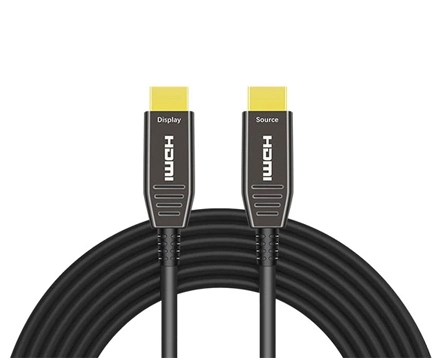
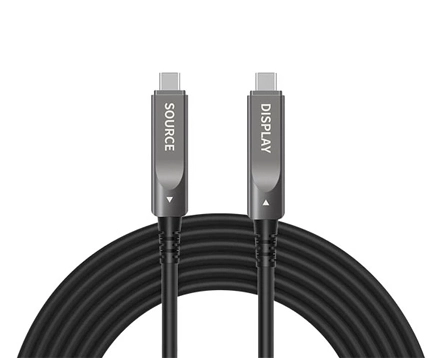
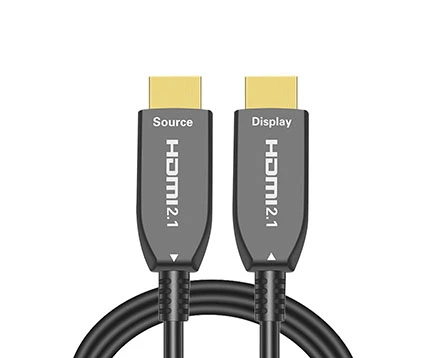
At AOCFiberlink, we specialize in manufacturing high-quality fiber optical USB cables & fiber optical HDMI cables that cater to the demands of modern audiovisual systems. Our fiber optical USB & HDMI cables are designed to deliver uncompromising performance, ensuring that you enjoy the true potential of your high-definition devices.
Besides the standard fiber optic HDMI Cables & fiber optical USB Cables, we also provide tailor-made solutions for customer specific needs.
Please don't hesitate to contact us.
|
|
|
Copyright © Shenzhen Fiberlink Tech Co., Ltd. All Rights Reserved. Trusted Partners:https://www.aocfiberlink.com/