English
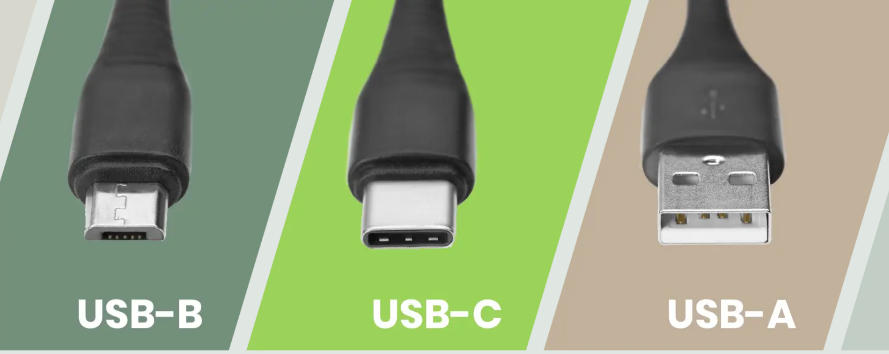
USB Type-C is a physical connector, while actual performance depends on the underlying transmission protocols.
The greatest advantage of Type-C is that more and more devices now adopt it as a unified interface, allowing users to rely on a single cable to handle charging and data transfer for smartphones, tablets, laptops, and other devices.
If both the Type-C device and the display support DisplayPort Alt Mode (DP Alt Mode), video signals can be transmitted directly over a Type-C cable without the need for a Type-C–to–DP adapter.
Alternatively, Type-C adapters can be used to output HDMI, VGA, and other video signals.
Network connectivity can also be shared via Type-C. For example, a smartphone's internet connection can be provided to a desktop computer that lacks Wi-Fi support using a Type-C cable.
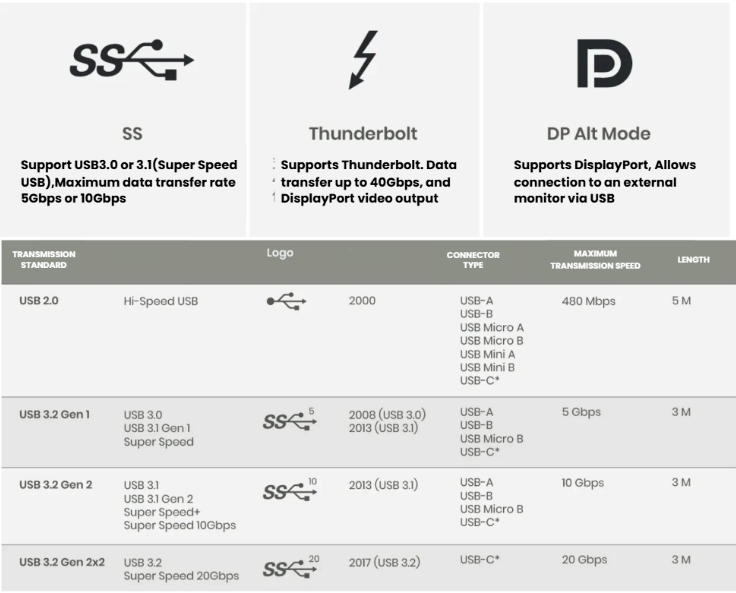
One of the biggest issues with Type-C is that, although the connector supports multiple functions and protocols—such as USB 3.2, Thunderbolt 4, and DisplayPort—this versatility can lead to compatibility confusion. Different Type-C devices and cables may support different features and standards.
Even today, many laptops have Type-C ports that do not support Power Delivery (PD) charging or video output and are limited to data transfer only. While fully featured Type-C ports with data, video, and PD support are becoming more common, a transition period still exists.
A Thunderbolt 4 port, identified by the lightning icon, supports DisplayPort video output and Power Delivery.
Whether a device supports DP Alt Mode determines if video output is possible.
If a device is labeled Thunderbolt 4 or USB4, it should support video transmission, data transfer, and power delivery.
Type-C is backward compatible, meaning devices with different specifications can still connect, but performance will fall back to the lowest supported standard.
Limitations When Connecting an SS-Labeled Type-C Phone to a Thunderbolt Port
When an SS (SuperSpeed)-labeled Type-C is connected via a Type-C cable to a computer's Thunderbolt 3 Type-C port, the following limitations apply:
1. Reduced Data Transfer Speed
SS-labeled Type-C phones typically support USB 3.0 / USB 3.1, with maximum transfer speeds of 5Gbps or 10Gbps. They cannot take advantage of Thunderbolt's 40Gbps bandwidth.
2. No Video Output via Cable
Because SS-labeled Type-C phones only support standard USB protocols, they cannot transmit video signals using Thunderbolt features such as DisplayPort or HDMI over USB-C.
3. Lower Charging Power
The SS label indicates support for USB 3.0 / 3.1, which limits charging power to up to 15W.
In contrast, devices that fully support Thunderbolt 4 can deliver charging power of up to 100W, resulting in significantly faster charging.
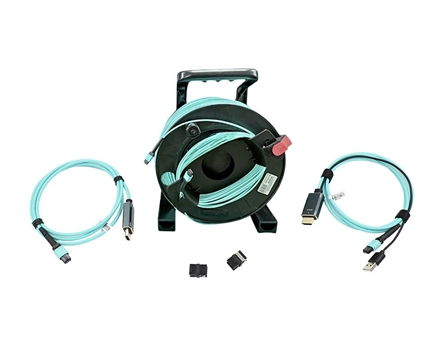
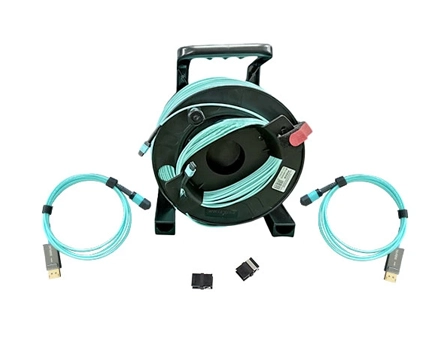
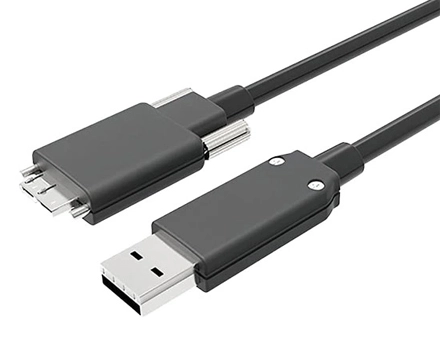
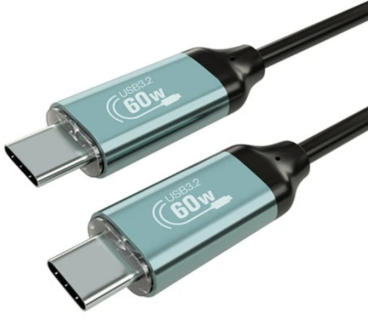
To address this issue, AOCFIBERLINK USB 3.2 optical fiber cable is fully compatible with Thunderbolt 3.
It features German-made imported chips, ensuring exceptional durability and reliable build quality.
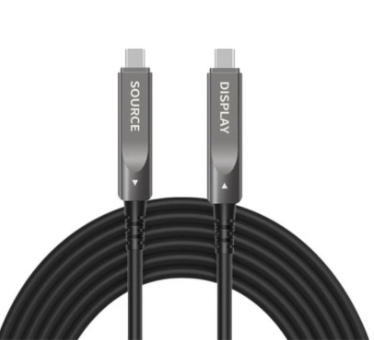 |  |
| FUCC-3202 | FUCC-3201 |
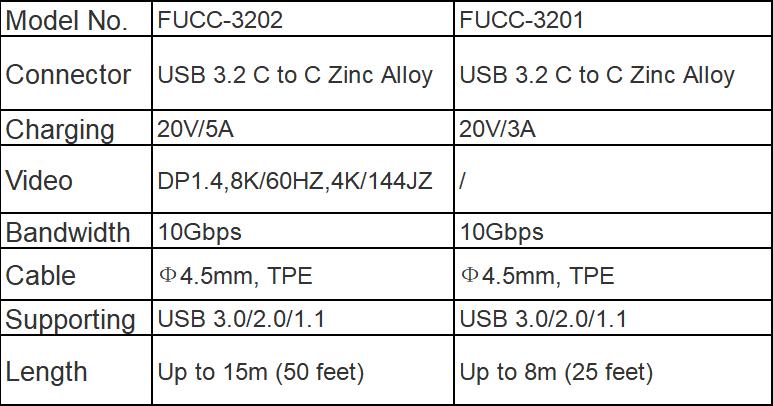
The cable supports up to 100W Power Delivery and 10Gbps high-speed data transfer, while also delivering DisplayPort output up to 4K at 144Hz over distances of up to 15 meters.
In addition, we offer customization services to meet specific application requirements.
Copyright © Shenzhen Fiberlink Tech Co., Ltd. All Rights Reserved. Trusted Partners:https://www.aocfiberlink.com/